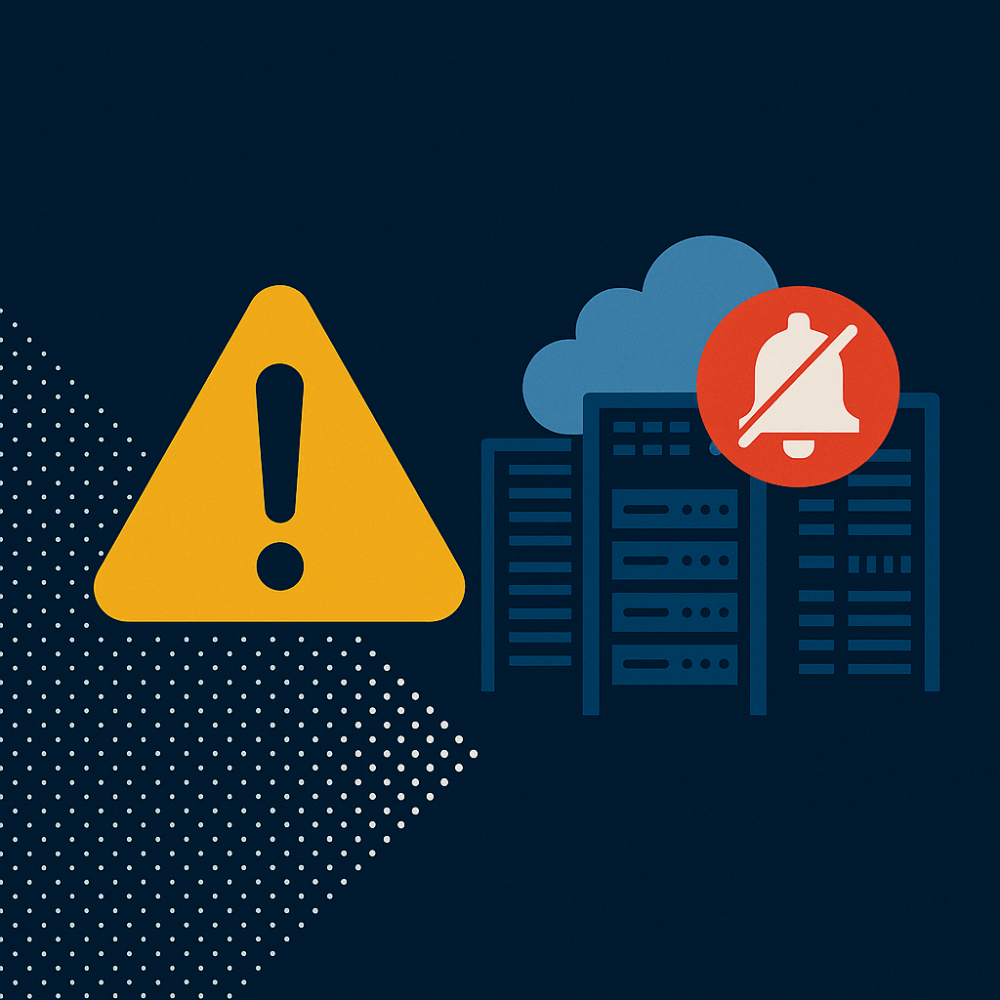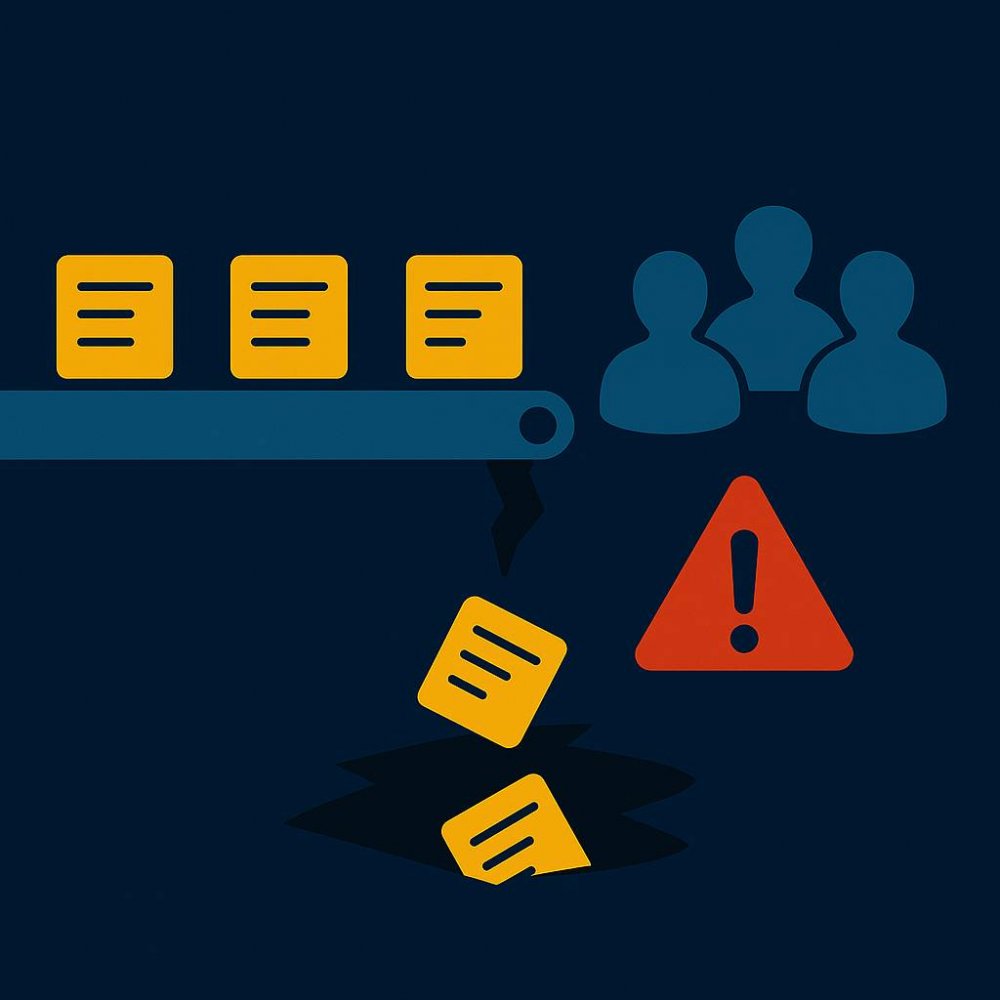
Downtime doesn’t happen because teams don’t care. It happens because no one owns the last mile. That’s the Workflow Gap.
Preventable data center downtime often begins when an OEM alert is sent, but no one takes ownership. Imagine a major server manufacturer sends you a notification of a power supply defect. It lands in an inbox that isn’t checked often. You’ve just taken on new, unexpected risk that could easily cascade into EBITDA-impacting unplanned downtime.
This is a scenario I outlined in my previous article on the Bulletin Gap. That’s what happens when you have an “unknown known” problem where you don’t know that you already know. In this article we’re going to talk about what should happen after you are informed. We call it the Workflow Gap: the disconnect between knowing something’s wrong and doing something about it.
You’re in the Workflow Gap when warnings show up, no one takes ownership, tasks don’t get assigned, fixes don’t get verified, and there’s no tracking whether the issue was resolved. It’s another way downtime can take down your data center, your customer satisfaction scores, and your profitability.
The Workflow Gap is where alerts go to die
Many organizations are overwhelmed with alerts, warnings, and notifications. Beyond managing the sheer volume, teams lack systems to act on them.
Let’s say a bulletin arrives via email and lands in a shared inbox. It gets mentioned during the ops team’s daily standup. Someone copies it into a spreadsheet or drops it into a ticket queue. But there’s no clear ownership, no defined next steps, and no way to track resolution. So, nothing changes, and the risk stays in place.
It’s hard to prioritize a problem that might happen, especially when the alert lacks detail. The manufacturer may include a serial number range, which makes things easier. But just as often, they’ll flag a broad product family (e.g. “Dell Blade Server hardware”), and now you’re looking at 2,000 units to investigate. Or maybe the severity wasn’t flagged high enough to push the team to act.
In any of these cases, the ops team is likely focused on higher, more immediate issues. So that daily standup ticket turns into a backlog item and the alert that started it becomes background noise.
The risk doesn’t go away. It just stops being tracked.
The four signs of a workflow gap
Workflow failures don’t show up as dramatic events. Typically, they show up as patterns that fly under the radar, like dropped tasks, unanswered questions, and unresolved risks. If you’re seeing any of the following, you’re likely in a workflow gap:
- No ticket or work assignment
The alert shows up and no one owns it. It might be discussed verbally or noted in a ticket, but there’s no clear individual responsible for follow-through.
Example: A battery recall bulletin is copied into a shared tracker, but no one is assigned to verify the affected assets. Weeks later, a degraded unit fails during a load shift.
- No verification of a fix
A fix is assumed, not confirmed. The system doesn’t require anyone to mark the task as complete, upload documentation, or validate resolution. It just fades out.
Example: A technician replaces a power module based on a flagged alert, but doesn’t mark the task closed or document the serial number. When the same issue resurfaces, there’s no proof it was ever handled.
- No audit trail
There’s no way to go back and prove what (if anything) happened. If someone asks a week later whether the issue was addressed, the best you’ll get is anecdotal.
Example: A director asks for a list of remediated firmware risks from last month’s OEM notice. The ops team can’t produce anything concrete, just email threads and meeting notes.
- No escalation
When no one owns the task and there’s no tracking, there’s also no escalation path. The alert sits unresolved until it turns into an incident.
Example: A risk flagged in an HVAC bulletin sits untouched in a backlog. No one follows up, no one flags the delay, and three weeks later the failure causes a thermal event that takes down the rack.
Each of these alone creates risk. Together, they explain why warnings that should have prevented downtime often don’t.
When workflow gaps become outages (and expenses)
Even though workflow issues don’t show up as line items, they still cost money.
When a task doesn’t get assigned or verified, teams burn time chasing down what did or didn’t happen. Work gets duplicated. Fixes get delayed. Tickets sit unresolved until they become incidents. That’s when the clock starts ticking—on remediation hours, SLA penalties, emergency procurement, and reputational damage.
You don’t need a catastrophic outage to see the impact. A half-day delay on a moderate-risk alert can still cause a missed handoff, a scheduling conflict, or a customer call that didn’t need to happen.
It’s not just wasted time. It’s avoidable expense.
Workflow gaps don’t just delay the response to a warning. They distort how the organization sees risk. When no one can say with certainty whether an alert was handled, people stop trusting the tools they’re supposed to use. The same risk gets flagged twice. Work gets repeated or skipped. Documentation turns into insurance instead of information. Escalations become the only way to guarantee action. Even small issues start to require extra meetings, duplicate labor, and side-channel communication just to get resolved. Over time, it becomes easier to ignore the alert than to chase it through a broken system.
How to close the Workflow Gap
There’s only one way to fix the Workflow Gap: you have to make your alerts actionable. That means assigning ownership the moment a bulletin is received. (And not by manual processes, either.) You have to track the status of remediation tasks without relying on scattered tickets, hallway conversations, or tribal knowledge. This is how you can know whether an alert was addressed, when, and by whom. You don’t have to ask twice because it’s all documented.
Yes, the goal is fewer outages, but more importantly it’s to bring clarity and follow-through to a system where important work can get lost. Teams and execs shouldn’t have to guess whether a task was closed. Directors shouldn’t have to audit inboxes to figure out what happened last month and no one should be caught off guard by a failure that was already flagged.
Intelligent Bulletins solves for this by tying alert data to workflow. It identifies which assets are actually affected, routes the bulletin to the right person, creates a task that doesn’t disappear, and tracks it through resolution. Operators get a closed loop and visibility, providing the business with fewer excuses for preventable downtime.
Close the loop. The Workflow Gap is a visibility and automation problem. If you can’t see what’s been assigned, resolved, or dropped, you can’t prevent repeat failures or explain why they happened. Intelligent Bulletins connects alerts to the systems and workflows that keep teams accountable.
👉Download white paper: Preventing Failures Before OEMs Acknowledge Them